Home » Latest news » Is your network holding your business back? Why the network is the foundation of everything
Every pound you've spent on cloud platforms and collaboration tools travels across one thing: the network. When it's good, nobody mentions it. When it's poor, people blame the apps, the laptops, and occasionally each other, while the actual culprit hums away, unexamined, in a comms cabinet nobody has opened since the office was fitted out.
This guide covers what a modern business network involves, how to tell when yours is the bottleneck, and how to plan an investment that will still look sensible in five years. It reflects the connectivity services work we deliver across offices and multi-site estates in the UK.
Mostly because success, for a network, is silence. A network doing its job produces no output anyone can point to in a board meeting, so investment flows to the visible layers above it, and the cabling, switches, and access points quietly age. Ten years without meaningful renewal is not unusual, and we have walked into comms rooms where the honest label for half the cabling would have been "legacy, origin unknown".
A decade ago that degraded gracefully, because most traffic stayed inside the building. Now nearly everything that matters, from your phone system to your ERP, lives in a cloud, and the infrastructure carrying that load is the least renewed part of most estates.
Video calls that embarrass you. Choppy audio and frozen screens in the office, while the same call works perfectly from someone's kitchen. Video is the most demanding application most businesses run, and it fails loudly, in front of clients. The usual cause is Wi-Fi contention or an under-sized switch uplink, and the test takes ten minutes: run the same call wired and wireless from the same desk and compare.
Wi-Fi with a geography. Everyone knows the good corners and the dead zones, and half the office sits on the guest network because it seems faster. Access points placed wherever the ceiling tiles were easiest to lift are usually the reason. Walk the floor with a free Wi-Fi analyser app and note the signal desk by desk; the map it gives you is the one the installer never drew.
Cloud applications that feel slow on fast internet. The line into the building is fine; the path from a desk to that line is not. Congested switches and daisy-chained kit turn a 1Gbps connection into a rumour by the time it reaches a user. Run a speed test at the router and then at a desk; the gap between the two is your network.
Single points of failure. One switch whose failure would stop a floor, one line whose failure would stop the business, no failover ever tested. You find these on a diagram, which is the problem, because usually nobody has the diagram, and without one every other symptom on this list is harder to diagnose. The test here is a question: ask what happens if the core switch dies tonight, and time how long the answer takes.
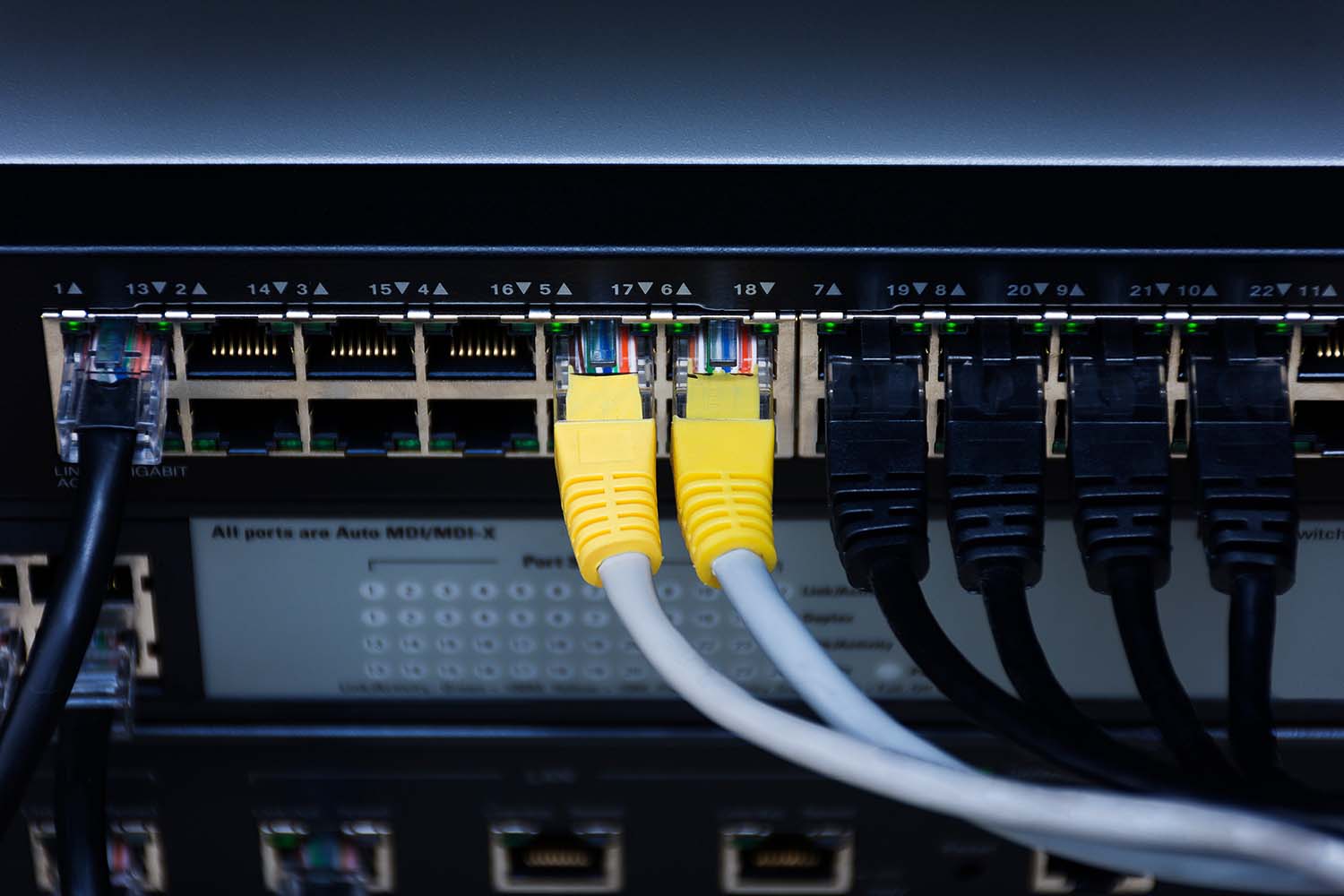
Structured cabling and switching sized for today's traffic. The unglamorous foundation. Category 6 cabling and switches with capacity headroom, plus PoE for the phones and cameras that now hang off the network.
Enterprise wireless designed, not sprinkled. A proper wireless survey places access points where people and walls actually are. Modern Wi-Fi standards handle dense offices comfortably, but only when the design respects physics. The survey is the part most often skipped and most often regretted.
SD-WAN for multi-site estates. Software-defined wide area networking, which steers traffic between sites and clouds over whichever connection is performing best. For businesses running several locations, it replaces expensive dedicated lines with intelligent use of ordinary ones, and adding a new site becomes a configuration exercise.
Secure remote access. Your network no longer ends at the wall. Hybrid workers and third-party engineers, plus a growing fleet of connected equipment, all need routes in that are controlled and revocable, with someone watching.
Monitoring that sees problems first. A managed network is one where someone notices degradation before your users do. Alerting and capacity trends close the loop, and a live map keeps every future project out of the archaeology business.
LET Education Trust runs four schools in Lancashire, and its Connect the Classroom programme had a hard constraint: government funding with a delivery window. Working with us, the trust rebuilt its network across 110 classrooms and 40 offices, with a 100Gbps backbone and 10Gbps feeds to high-density wireless in every teaching space. The programme landed on time, within the funding window, and the network has since run at 99.6% uptime across the year. Secure remote access and a virtualised server environment went in on the same foundations, which is the pattern worth copying: get the network right once, then let the projects queue up behind it.
"These projects would not have been possible without the support of Mike and Highgate. I couldn't do my job without them." – David Hazari, Director of IT & Operations at LET Education Trust.
A school trust is a demanding client: hundreds of simultaneous users, zero tolerance for downtime in teaching hours, and public money to account for. The same design discipline transfers directly to offices and warehouses.
Quietly, and completely. Unified communications is the clearest example: voice is unforgiving of packet loss, so the decision to move calling into Teams or a UCaaS platform is really a decision about whether your switches and wireless can carry it. With Openreach switching off the analogue phone network on 31st January 2027, and more than 500,000 business lines still on it at the start of this year, a lot of UK businesses are about to find out. We look at the network before we quote for the phones.
The same dependency sits under most growth plans. A new office is a network project before it is anything else. Warehouse automation and modern physical security both arrive as fleets of devices asking for ports and bandwidth. Even AI adoption lands here eventually, since the tools are cloud-hosted and their usefulness collapses on a connection that stutters. None of these projects lists the network in its budget, and all of them inherit its condition.
Foundations decide what you can build, how fast you can add the next site, and how much of your growth plan survives contact with reality. A business that gets this layer right stops having network conversations at all.
Audit before you buy anything. A network audit, physical and logical, tells you what exists, and what can stay versus what must go; the map it produces often pays for itself by preventing a rip-and-replace where a targeted upgrade would do. For multi-site estates we run much of this discovery remotely, which keeps the disruption and the cost down.
Design for the applications, then the growth. The question is what the network must carry: video everywhere, cloud everything, and whatever your five-year headcount plan implies. Capacity headroom is cheap at design time and expensive as a retrofit.
Phase the work around the business. Networks get replaced while people work on them; sequencing and rollback planning matter as much as the kit list, and cutovers belong out of hours. Decide upfront who runs it afterwards, too; an unmanaged network drifts back towards the state that prompted the investment.
The businesses with networks that scale gracefully almost always made one early decision: they treated the network as a growth investment with an owner and a refresh rhythm. That decision, which is the reason this work sits under Enable growth in how we organise our services, matters more than any individual product choice, and it is never too late to make it.
If your last network diagram has a copyright date on it, or does not exist, start with the audit and let the findings set the order of everything else. We run network audits and remote discovery as a standard engagement, and the same foundations decide how far you can take unified communications next. Tell us what you are seeing and we'll map out how we'd approach it.